
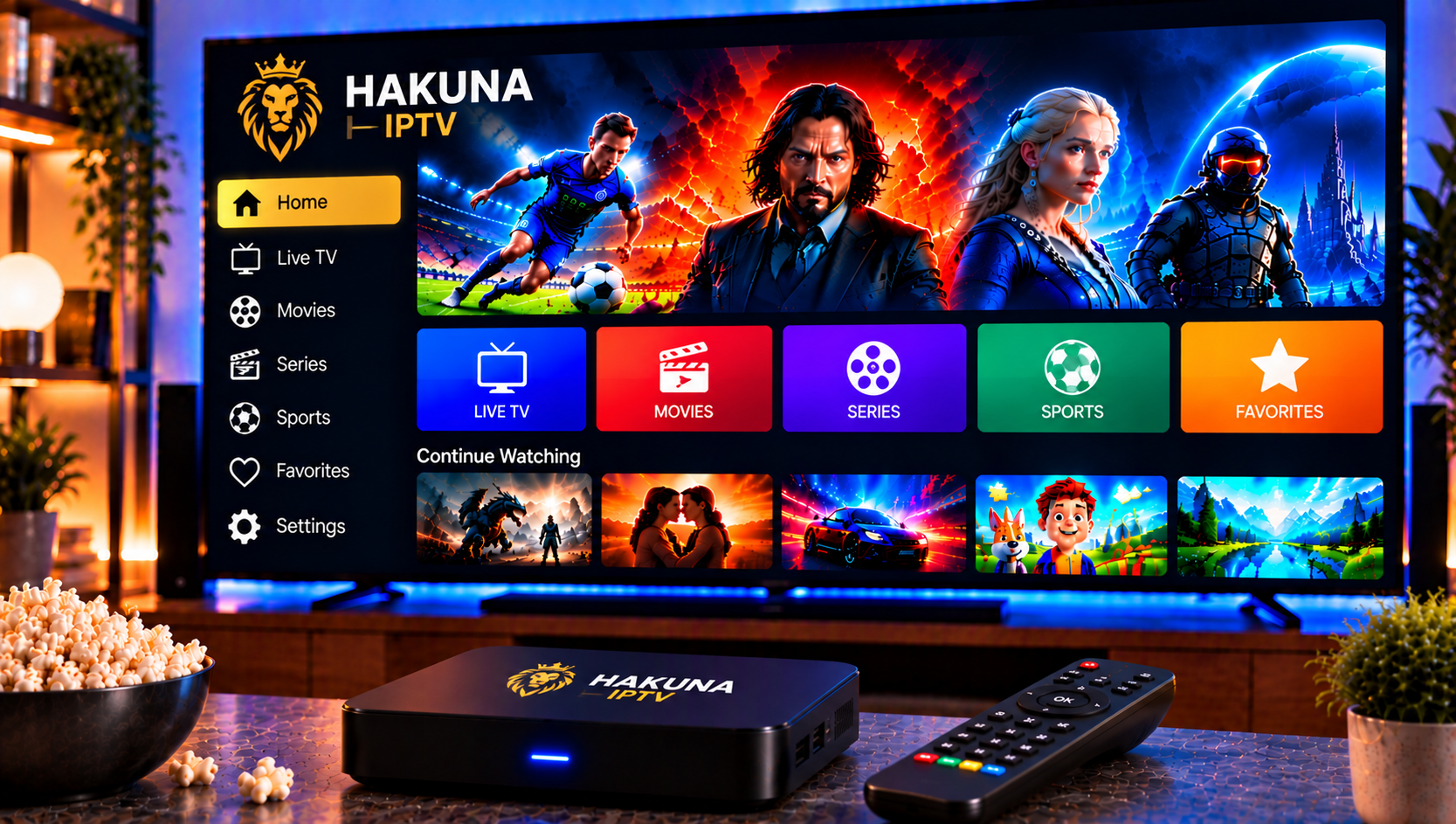
Anyone searching for Hakuna IPTV is usually trying to answer the same practical questions: what does the service offer, which plans exist, and is it a sensible choice for a household in Scandinavia or the Benelux region? This review looks at the publicly available information about the service, compares its plans and features with what viewers typically expect from an IPTV subscription, and covers the legal and practical points that users in Sweden should understand before choosing any provider.
What the Service Offers
The provider, which presents itself as Hakuna TV, describes an IPTV service for viewers in the Netherlands and Belgium. Instead of cable or satellite, television is delivered over an internet connection and watched through an IPTV app on a smart TV, phone, tablet, computer or streaming stick. The website lists live channels, catch-up viewing, multiple devices and picture quality from Full HD up to 4K, with even higher resolutions mentioned. As with every provider, those figures describe what a stream can deliver. The real result depends on your connection, router and device.
The main page does not publish a channel count. It points visitors to a separate channel list and suggests asking about specific channels before ordering. That is a sensible approach, but it also means readers should check the list themselves rather than assume that a particular channel or sports package is included.
Hakuna IPTV Plans and Subscription Options Explained
Subscription Lengths
At the time of writing, the website shows three subscription lengths: six months, twelve months and twenty-four months. Longer plans suit households that want to avoid frequent renewals, and up to three devices can share one subscription. A 30-day money-back guarantee is advertised, although its conditions sit in separate refund and service terms, so those are worth reading before any payment is made.
How Ordering Works
Ordering appears to run through WhatsApp. You choose a plan, send a message, pay, and receive login details with instructions. You then install a separate IPTV app and enter the credentials. This model is common across the industry and keeps the process simple, although it relies on personal messaging rather than a traditional checkout page.
Key Features Worth Comparing
Devices and Compatibility
The provider lists support for smart TVs from major brands, Android TV, Fire TV Stick, Apple devices, Chromecast, Windows computers and set-top boxes such as Formuler. Compatibility ultimately depends on the app you choose, which is why checking the installation guide before ordering is important. Households with several screens should confirm how many simultaneous connections a plan allows.
Catch-Up and Live Viewing
Catch-up lets you go back and watch a programme you missed, provided the channel supports archive playback. It is one of the features households appreciate most, because it turns a live channel list into something closer to an on-demand library. Support varies by channel, so it should not be treated as a guarantee for every programme.
Picture Quality and Stability
Quality claims such as Full HD and 4K are common in the IPTV market, and they are only as reliable as the stream behind them. Stable viewing depends on server capacity, your own bandwidth and the player app. A steady connection of around 10 Mbps is usually enough for HD, while 4K is more comfortable at 25 Mbps or above. Live sport in the evening is the best test of stability, because that is when demand peaks.
User Experience: What Can and Cannot Be Verified
A fair review has to separate marketing from evidence. The independent review profile found for this provider on ProvenExpert shows no reviews and no rating at the time of writing, and the business details listed there are incomplete. The provider’s own website states that it does not publish invented customer quotes, which is a transparent position, but it also means there is little independent evidence about long-term reliability, support speed or how well the service handles busy periods.
For that reason, a careful user would take a few simple precautions before committing to any IPTV provider:
- Ask for the channel list and confirm that the channels you care about are included.
- Start with the shortest plan to test stability before paying for a longer period.
- Read the refund and service terms, not only the headline guarantee.
- Check how support can be reached and how quickly it responds to outages.
- Use a payment method that offers some form of buyer protection.
Legal Considerations for Viewers in Sweden
The legal side of IPTV deserves more attention than it usually receives. Swedish copyright law (upphovsrätt) protects television channels, sports broadcasts, films and series, and the rights (rättigheter) to distribute them are normally sold under licence. When a service offers an unusually large catalogue, viewers are right to ask whether those rights are properly in place.
Rights holders and myndigheter actively pursue illegal streaming, and penalties for distributing unlicensed content can include böter and damages. The difference between watching licensed material and sharing unlicensed material matters. Anyone looking for a laglig IPTV solution should therefore ask whether the supplier explains how its content is licensed, whether terms and conditions are published in writing, and whether there is a company contact that can be verified.
Licensed streamingtjänster remain a useful reference point for what proper rights look like. Many households combine them with a separate IPTV abonnemang, and the FAQ page answers common questions about how these services work together.

Setup: What to Expect
Most IPTV services follow the same setup pattern. You receive either an M3U playlist link or an Xtream login consisting of a server address, username and password. You install a compatible player app, add the playlist, wait for categories and the TV guide to load, and then test a few channels. Detailed, device-specific guidance is available in these installation instructions.
How to Compare Providers in Sweden
Headline offers should never be the only comparison point. The strongest providers tend to combine clear plan descriptions, a visible channel offering, reasonable device limits and responsive support. Readers can look at the full channel offering available in Sweden to see how a published lineup of live channels, sports, films and series is presented, and compare the available IPTV subscription plans by duration, device count and included quality. Independent sites such as Nordic IPTV King can also help readers see how other Nordic providers describe their services.
A Swedish viewer has a few specific needs that a Dutch or Belgian service may not fully cover, including Nordic channels, local sports rights and support in a familiar time zone. A provider built around the Swedish market is more likely to address these points directly.
Final Verdict
The service presents a fairly straightforward offer: three clearly described plan lengths, support for many devices, catch-up viewing and high picture quality claims. Its main weakness is the lack of independent, verifiable feedback and the limited public information about channel rights.
For anyone who would like more information or wants to ask questions directly, it is also possible to contact via WhatsApp here: A sensible recommendation is to compare several providers carefully, read the written terms, and test playback on a single device before committing to a longer period.