

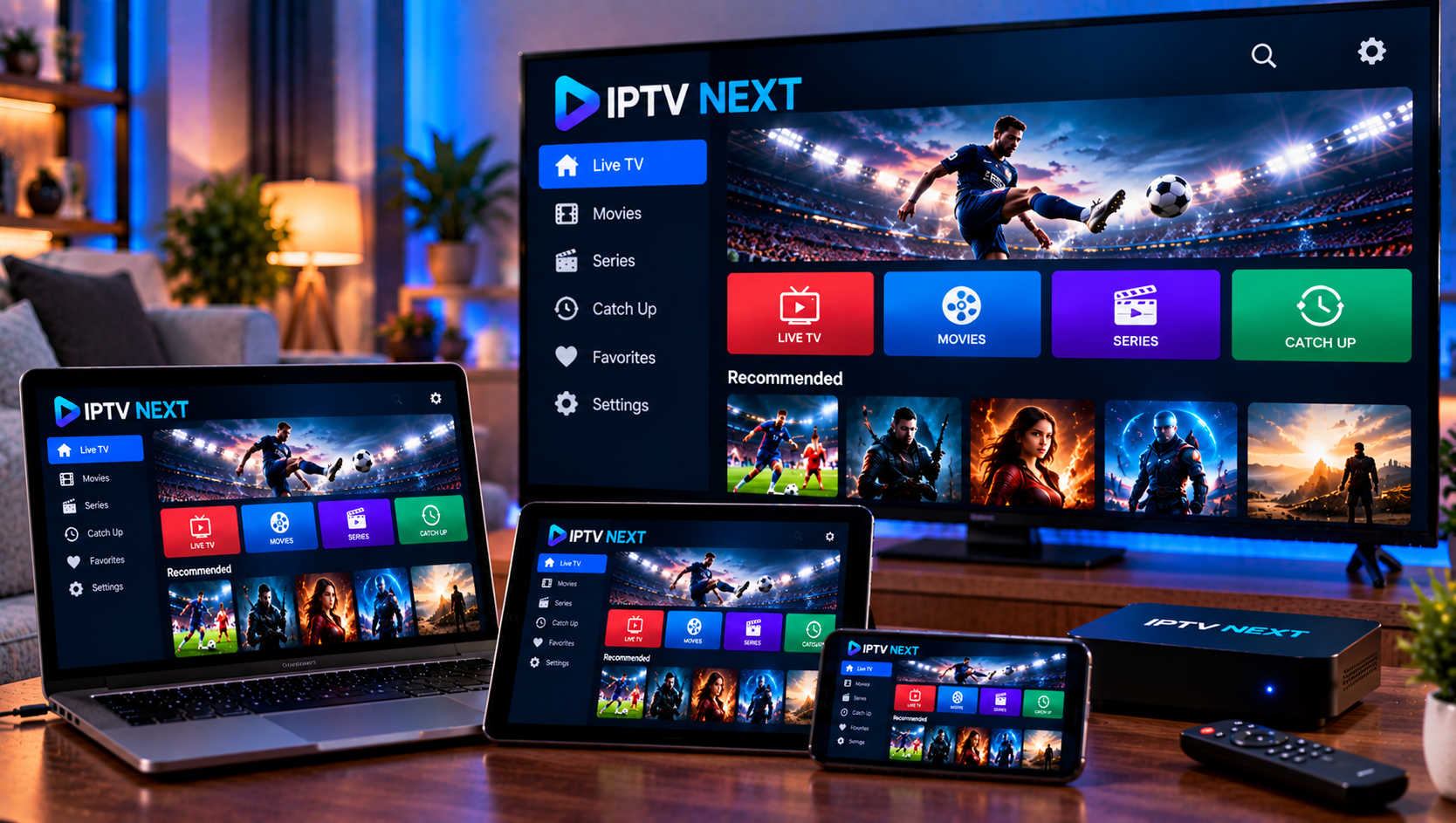
IPTV Next is a practical player for organizing live television, movies, series, and program guide information from a compatible IPTV service. The app itself does not automatically provide channels, so users normally need credentials or a playlist from their provider. In 2026, the two common setup methods are M3U playlists and Xtream Codes. This guide explains both methods, important settings, common playback problems, and what Swedish users should understand about privacy, copyright, and legal streaming.
How IPTV Next Works With IPTV Services
An IPTV player acts as the interface between your device and the media source supplied by a provider. Instead of receiving traditional television through an antenna or cable box, the player loads stream addresses, channel groups, video libraries, and electronic program guide data over the internet. It is useful to separate the player from the subscription. The player handles presentation and playback, while the provider controls account access, available content, connection limits, and server information. If you use Viking IPTV, the official installation instructions can confirm which login method applies to your device before adding credentials.
M3U Playlist Setup Explained
M3U is a playlist format that can contain stream addresses together with channel names, groups, and other metadata. Providers commonly deliver an M3U URL rather than a file because a remote playlist can be refreshed when the channel list changes. To configure an M3U source, open the playlist or account section, choose the M3U option, create a recognizable name, and paste the complete URL exactly as provided. Save the profile and allow the app time to load categories.
What to Check When an M3U Playlist Does Not Load
Check that the URL has not been shortened, split across lines, or copied with an extra space. Confirm that the subscription is active and the device has internet access. If categories appear but streams fail, test several channels. One unavailable stream may be a source issue, while failures everywhere can indicate credentials, server access, device limits, or connectivity.
Avoid posting an M3U address publicly when asking for help. Playlist links can contain usernames, passwords, tokens, or identifiers that may allow another person to access your account.
Xtream Codes Setup Explained
Xtream Codes credentials usually separate account information into a server URL, username, and password. Some server addresses also include a port number. This format can be easier to enter manually because each detail has its own field instead of being combined inside one long playlist URL.
Open the login menu, select the Xtream option, and enter the server address exactly as supplied. Include http or https and any required port. Add the username and password without changing capitalization. After saving, the player can request live channels, movies, series, and EPG data enabled for the account.
If you are comparing account types, Viking IPTV explains its IPTV subscriptions separately from its available content. This distinction helps users understand that a player only displays the media and permissions supplied through the service.
M3U or Xtream Codes: Which Is Better?
M3U is flexible and widely recognized, while Xtream credentials can make account entry and category loading more convenient. The better choice is usually the format your provider officially supports for your device. Avoid converting credentials through unknown websites because doing so may expose account details.
EPG, Favorites, Categories, and Playback Settings
An electronic program guide, or EPG, adds program names, times, and schedule information to live channels. When guide data is available, browsing becomes easier because you can see what is playing now and what comes next. If the guide is empty, refresh the playlist and EPG data before assuming the account is faulty.
Favorites can reduce a large channel list to the services you actually watch. Category filters help when a playlist includes several countries, sports sections, movie groups, and on-demand libraries. Change playback settings carefully. Hardware decoding may improve performance on some devices, while another decoder may suit a particular stream. Subtitles and audio tracks depend on the source. If playback becomes unstable after several changes, restore defaults and test one adjustment at a time.
Troubleshooting Buffering, Freezing, and Login Errors
Buffering has several causes. The stream server may be busy, Wi-Fi may be weak, another device may be using significant bandwidth, or the selected stream may demand more capacity than your connection can consistently provide. HD, Full HD, and 4K streams can place different loads on a network.
Restart the player and router, then test several channels. If only one stream freezes, the problem may be limited to that source. If everything buffers, test your connection, reduce other downloads, move closer to the router, or use Ethernet when available.
For login errors, recheck the username, password, server address, and port. Confirm that the subscription has not expired and the account is not already using its maximum simultaneous connections. Viking IPTV’s FAQ can help with common setup questions without requiring users to expose private credentials publicly.
Privacy and Account Security
Treat IPTV credentials like any account login. Do not share screenshots that reveal passwords, full playlist URLs, device identifiers, or private portal information. Be cautious with unofficial converter tools and modified apps that ask you to upload credentials.
Use trusted app stores and download sources where possible. Review permissions, keep the operating system updated, and remove apps you no longer use. A streaming player needs network access, but unrelated permissions should still be examined carefully.

Legal IPTV and Copyright in Sweden
IPTV technology itself is not automatically illegal. The legal question is whether the distributor has the necessary rights to provide the channels, films, sports, or other copyrighted material being streamed. In Sweden, discussions around laglig IPTV often involve upphovsrätt, rättigheter, abonnemang, streamingtjänster, and the distinction between licensed distribution and illegal streaming.
A familiar player cannot make an unauthorized source lawful. Users should consider who supplies the content, whether licensing information is transparent, and whether service terms explain access clearly. Myndigheter can investigate unlawful distribution, while consequences such as böter depend on conduct, evidence, and applicable law. A low price, professional website, or familiar app does not prove that every stream is properly licensed.
Choosing a Compatible IPTV Service
Compatibility matters more than a long feature list. Confirm that the service supports the login format required by your device, provides suitable EPG information, explains connection limits, and offers clear setup documentation. Households using several screens should check whether simultaneous playback is permitted.
It can also be useful to compare terminology and setup approaches across Swedish-market services such as Sverige IPTV, while evaluating each provider independently for compatibility, transparency, and content rights.
Final Setup Checklist
Before regular viewing, confirm that the correct playlist is loaded, channels open reliably, EPG information refreshes, favorites are organized, and the network can handle your selected stream quality. Keep a private copy of the original account details in case the app must be reinstalled.
The recommended approach is to use the login method supplied by your provider, test it on one supported device, and change settings only when a specific problem needs troubleshooting. For anyone who would like more information or wants to ask questions directly, it is also possible to contact via WhatsApp here:
