

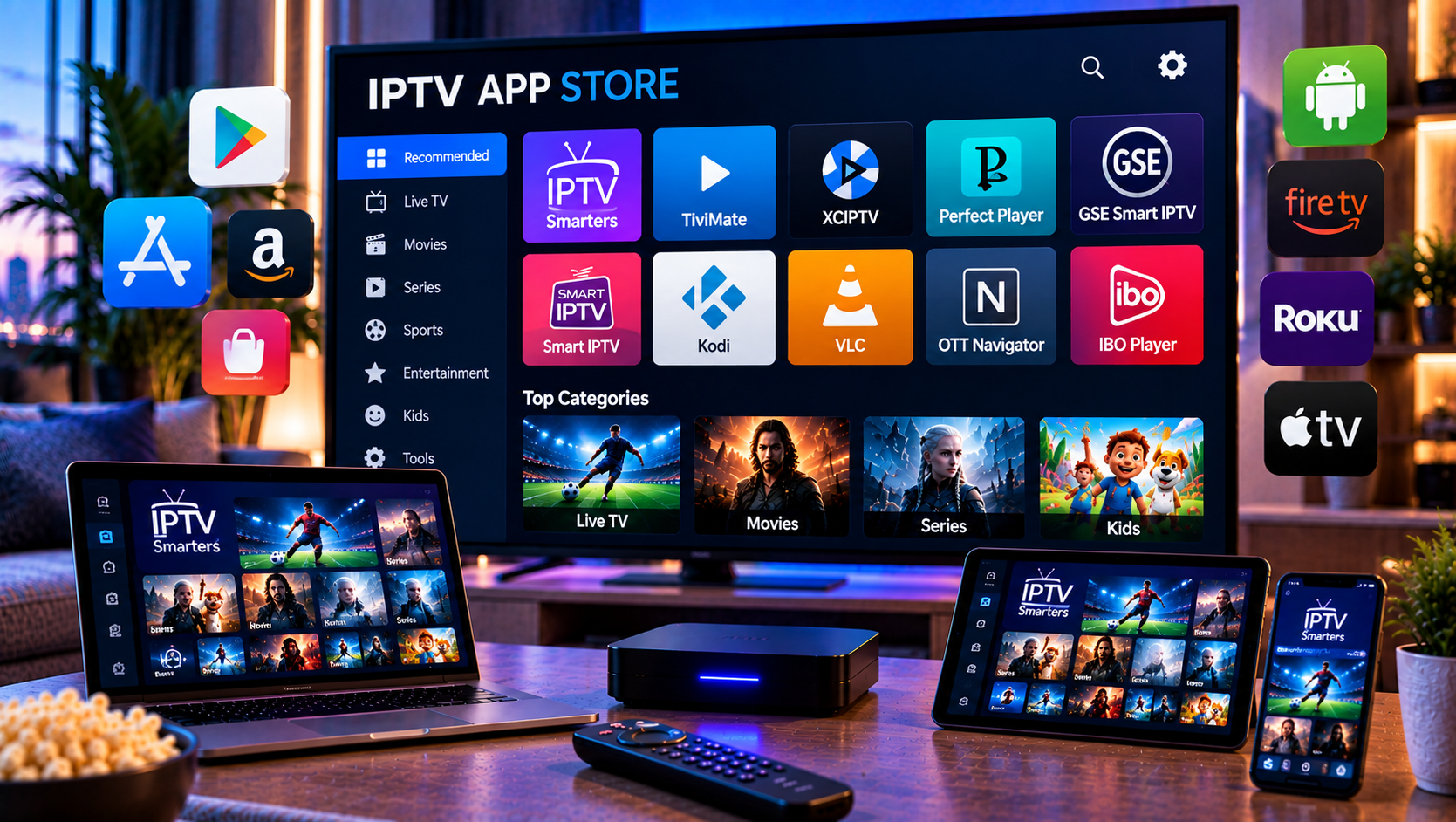
Searching the iptv app store in 2026 can be confusing because many apps use similar names, screenshots, and promises. Some focus on iPhone and iPad portability, while others are built only for Apple TV. Competitor listings show common features: M3U playlists, live stream playback, playlist libraries, filtering, EPG support, AirPlay, subtitles, in app purchases, premium upgrades, and clear notices that the app does not provide channels. For users in Sweden, the best choice should also consider upphovsrätt, laglig IPTV, abonnemang, streamingtjänster, myndigheter, böter, rättigheter, and illegal streaming risks.
iptv app store criteria for 2026
Start by checking compatibility before features. IPTV Smart Player is designed for iPad and works on iPhone, iPad, Mac with Apple silicon, and Apple Vision, while iPlayTV is listed as Apple TV only. That difference matters. A beautiful TV interface may not help if you want to watch on an iPhone during travel or on an iPad at home.
Next, check whether the app accepts your playlist method. Most Apple IPTV apps support M3U or M3U8. Some also support Xtream Codes, remote playlist upload, file upload, XMLTV EPG, catch up, and multiple audio or subtitle tracks.
Player, not provider
An app normally does not include channels. It only plays content you add. On Viking IPTV’s channel overview you can see how live TV, sports, films, and series can be grouped clearly. Use the same structure when judging any app.
IPTV Smart Player for iPhone and iPad
IPTV Smart Player is the closer fit for iPhone and iPad users because the listing supports those devices directly. It describes a flexible video player for user-added content, with many media extensions, live stream support, playlists, filtering, passcodes for playlists, unlimited playlists through premium, and an ad-free upgrade. It also says users must bring their own created playlists with legal content.
That makes it useful for viewers who want one mobile library on Apple devices. It can suit quick testing, travel, kitchen viewing, or casual tablet use. However, read the subscription terms carefully. The listing includes a free trial, weekly pricing, lifetime purchase, ads, in app purchases, and privacy notes about identifiers, usage data, diagnostics, and other data.
Practical fit
Choose this kind of app when mobility matters more than a full living room interface. Test battery use, screen rotation, subtitle behavior, and whether playlists remain stable after updates.
iPlayTV for Apple TV users
iPlayTV is different. It is listed as Apple TV only, not iPhone or iPad. For living room use, that can be a strength. Its listing highlights multi-playlists, remote playlists, Xtream Codes, file upload, search across playlists, favorites, channel preview, automatic logo matching, full EPG, gzip or tar guide URLs, EPG time shift, frame rate matching, multiple audio and subtitle tracks, AirPlay 2, catch up, and OpenSubtitles support.
The user intent is clear: people who want a polished Apple TV interface, strong guide handling, and remote-friendly browsing. Reviews mention smooth use, buffering complaints, and requests for iPad support. That shows why device fit should come before ratings.
When it is not the right choice
If you specifically need iPhone or iPad viewing, an Apple TV-only player is not enough. Use it as a living room comparison, not as your mobile answer.
Setup steps on iPhone and iPad
Install from the official App Store. Open the app, create a profile, and choose the correct input method. M3U is usually a playlist link. M3U8 is common for segmented streams. Xtream Codes normally uses server URL, username, and password. EPG may require a separate XMLTV URL.
Viking IPTV’s installation guides help explain playlist URL, server address, profile name, guide source, VPN, DNS, and cache settings across devices. Enter details carefully. One extra space can cause an empty list or failed login.
First test
Open one Swedish channel, one sports channel, one movie, and one series episode. Check startup time, buffering, subtitles, audio sync, search, guide data, favorites, and whether playback resumes after closing the app.
EPG, VOD, and playlist organization
A strong Apple IPTV app should turn a raw playlist into something easy to browse. EPG helps you see what is on now and later. VOD sections should show movies, series, seasons, episodes, posters, descriptions, subtitles, audio tracks, and continue watching where possible. Favorites should be easy to add and reorder.
Large playlists can become messy quickly. Hide unused categories, remove duplicates when possible, and create groups for Swedish channels, sport, news, children’s content, films, and series. On Viking IPTV’s subscription page you can review the type of device and plan details that should be clear before longer use.
Common EPG problems
If guide times are wrong, check time zone and daylight saving. If the guide is empty, confirm the EPG URL and channel matching.
Privacy, payments, and safety
App Store availability does not prove that every playlist is lawful. IPTV is a delivery method, not automatic permission to watch protected channels, sports, films, or series. Ask how rights are handled for Sweden and keep written answers. Read frequently asked questions before changing DNS, VPN, cache, or advanced settings.
A neutral comparison with Monster IPTV can show how another provider describes packages and device support, but every service should be judged separately by rights, terms, payment, support, and safety.
Protect account details
Never post M3U links, portal addresses, usernames, or passwords in forums, screenshots, or support chats without hiding private fields. These details may contain account identifiers.
How to choose confidently
Compare two apps using the same playlist, same network, and same viewing time. Score compatibility, setup, interface, EPG, subtitles, casting, privacy labels, purchases, stability, and support. For iPhone, check mobile data behavior and battery drain. For iPad, check landscape mode and speaker output. For Apple TV, check remote control comfort and guide speed.
Final checklist
Choose an app that supports your format, respects privacy expectations, handles your real playlist, and works on the device you actually use. Do not rely on screenshots, ratings, or a single afternoon test. Test during normal evening viewing, especially sport and family use.
Performance on Apple devices
iPhone and iPad streaming depends on more than the app. Network strength, device age, storage, heat, and background activity all affect playback. For HD, stable WiFi or strong mobile data is usually enough, but 4K and busy sports streams need more headroom. Close cloud backups, video calls, and large downloads before testing. If a stream pauses after ten minutes, let the device cool, restart the app, and test the same channel again. Bluetooth audio can also reveal sync issues, so check speakers and headphones. Keep iOS or iPadOS updated, but save playlist details before major system upgrades. Small checks prevent confusion when support asks for exact device information later.
Final thoughts
The best Apple IPTV app is the one that fits your device, playlist format, legal comfort, privacy expectations, and daily viewing habits. A natural recommendation is to test on your real iPhone, iPad, or Apple TV before relying on one app for every screen. For anyone who would like more information or wants to ask questions directly, it is also possible to contact via WhatsApp here:
